Answer Snapshot
Micro market frozen treats need clear product details and a checkout setup that works without staff help. Start with a small test at one location, then track scans, sales, out-of-stock periods, and restocking time. Use the site’s own results to decide what to keep or change.
Key Takeaways
- Check the barcode, product name, price, and item record before the first sale.
- Test a small number of items in one micro market before adding more.
- Measure sales alongside stock availability and scan problems.
- Keep product and allergen information easy to find at self-checkout.
- Base reorder amounts on the location’s sales and the supplier’s current delivery timing.
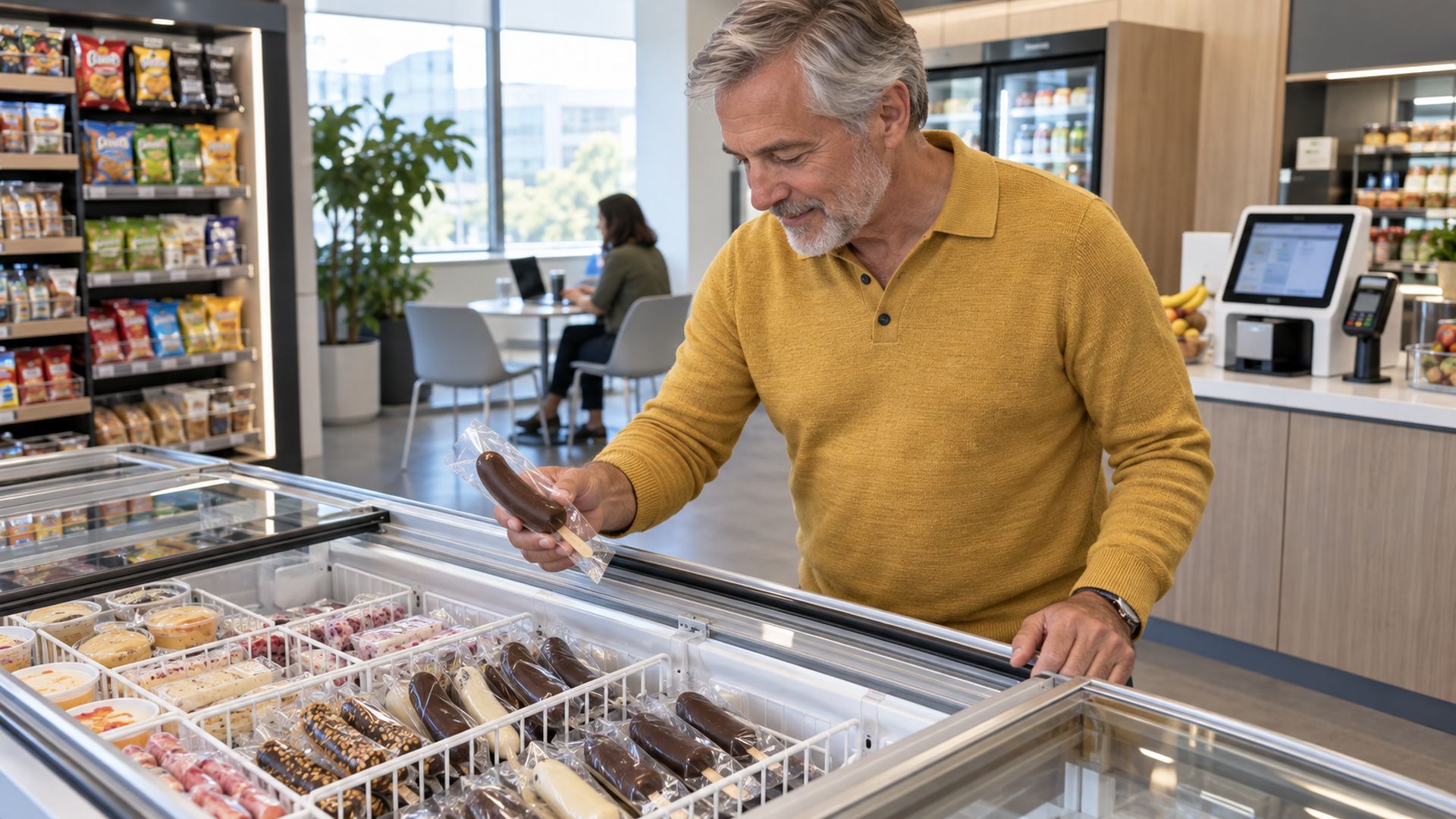
A micro market lets people choose products and pay at self-checkout, with no cashier beside the freezer. The National Automatic Merchandising Association describes micro markets as unattended retail spaces with self-checkout. That makes item setup and stock checks especially important. This article is about unattended markets; for staffed convenience-store buying criteria, see our frozen snacks for convenience stores guide.
Check the location before choosing products
Start with the freezer and checkout setup already in the market. Note the number of open spaces, who can refill the unit, how often the location is visited, and which payment system customers use. Ask the operator what data the system can report. Some systems show item sales and stock changes; others may require staff to keep a simple count.
Look at the hours when people use the market. An office site may be busy during the workday and quiet at night. A residential or campus site may have a different pattern. Pick a location where the team can check stock and respond if an item is missing.
Set up every item for self-checkout
Before loading the freezer, match each wrapped flavor to its system record. A customer may not be able to ask for help, so the product name, image, barcode, price, and product information should make sense on their own.
| Setup item | What to confirm | Why it matters |
| Barcode | The code on each flavor matches the correct item record. | A scan should identify the item the customer selected. |
| Name and image | The checkout screen uses a clear name and, where available, the right product image. | Customers can confirm their choice before paying. |
| Price | The displayed price and checkout price match. | A mismatch can cause confusion or refunds. |
| Product details | Ingredient and allergen information is current for that flavor. | Customers need a reliable source when staff are not there. |
| Freezer location | The product is easy to find and has room for air to move as the equipment requires. | Staff can refill it without disturbing other products. |
Run a test scan using the operator’s approved process. Confirm that the item description and price are correct and that a test does not create a real charge or sale record. If the checkout system cannot show ingredient information, place the approved product sheet or a clear path to it where customers can find it.
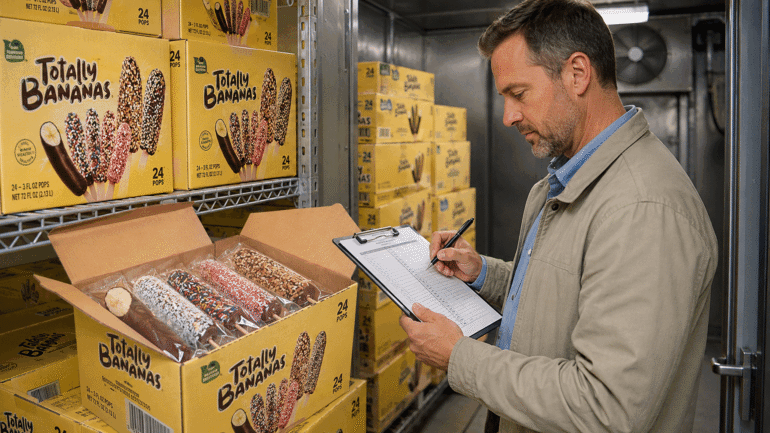
Totally Bananas lists individually wrapped foodservice products. Check the current product and case details before building the item record; do not assume every flavor has the same ingredients or label statements.
Choose a small product mix
A first test should be easy to refill and easy to understand. Pick a few products that serve different needs, such as a familiar frozen treat and one distinct fruit-based option. Avoid filling every space with several similar flavors before you know how customers use the freezer.
Keep the test size within the location’s available space and restocking schedule. Record each item’s starting quantity, price, and position. A product that runs out early may look like a weak seller if the system records no more sales after the stock is gone.
Track the right results
Use a short scorecard for each location. Record results for the same days and hours, and note when an item was unavailable.
| Measure | What to record | What it can tell you |
| Units sold | Sales by item and date | Which items customers chose. |
| Stock availability | Hours or days each item was available | Whether low sales may reflect an empty slot. |
| Scan issues | Failed scans, wrong records, or refunds | Whether the checkout setup needs attention. |
| Restocking time | Visits and minutes needed to refill | Whether the mix fits the operator’s routine. |
| Customer questions | Common questions, without personal details | What information may be missing at the freezer. |
If the system reports customer transactions, compare units sold per 100 transactions rather than raw sales alone. That helps when one location is busier than another. It still does not prove that a product caused a larger basket; keep any such claim tied to the data the operator actually has. The National Association of Convenience Stores has also discussed ways to make cold cases easier for shoppers to use; apply ideas only when they fit the market’s equipment and shopper flow.
Plan a reorder using local results
Use the item’s average sales at that location and the supplier’s confirmed delivery timing. For example, if a product sells six units per week and the confirmed delivery takes two weeks, the location may need about 12 units to cover expected sales while waiting, plus a buffer based on local demand. This is an example, not a claim about Totally Bananas delivery time or a recommended order quantity.
Check the available case size and storage space before placing an order. Review the count each week and adjust after holidays, site closures, or changes in traffic. Keep newer cases behind older units still within date under the operator’s normal rotation process.
Review the pilot before adding more items
After the agreed test period, compare the same measures for each product. Keep the items that customers buy and staff can refill reliably. If a product had scan errors, incorrect pricing, or frequent gaps, fix those problems before deciding that shoppers did not want it.
Change one part of the setup at a time. For example, correct the item record first, then watch the next period before changing the price or moving the product. A short note about what changed makes the next review more useful.
Frequently Asked Questions
What are micro market frozen treats?
They are single-serve frozen products sold in an unattended market, where customers select items and pay at self-checkout.
How many frozen products should a micro market test?
There is no set number for every location. Start with a small mix that fits the freezer and the operator’s restocking schedule, then use local results to guide changes.
What should an operator track during the test?
Track item sales, stock availability, scan errors, refunds, restocking time, and common product questions. Use the same time period for each comparison.
How can customers check ingredient and allergen details?
Use current package information and supplier documents for the exact flavor. Make the approved information easy to find near the self-checkout area.
Discuss a micro-market program
Ask the Totally Bananas team about current single-serve products, case details, and setup information for your location through the contact page.